
coming soon! 1rINK pro package with custom annotated video FROM THE pro hockey group
JOIN THE WAITING LIST BELOW TO RESERVE YOUR SPOT AND SECURE THE $399 PROMO PRICE
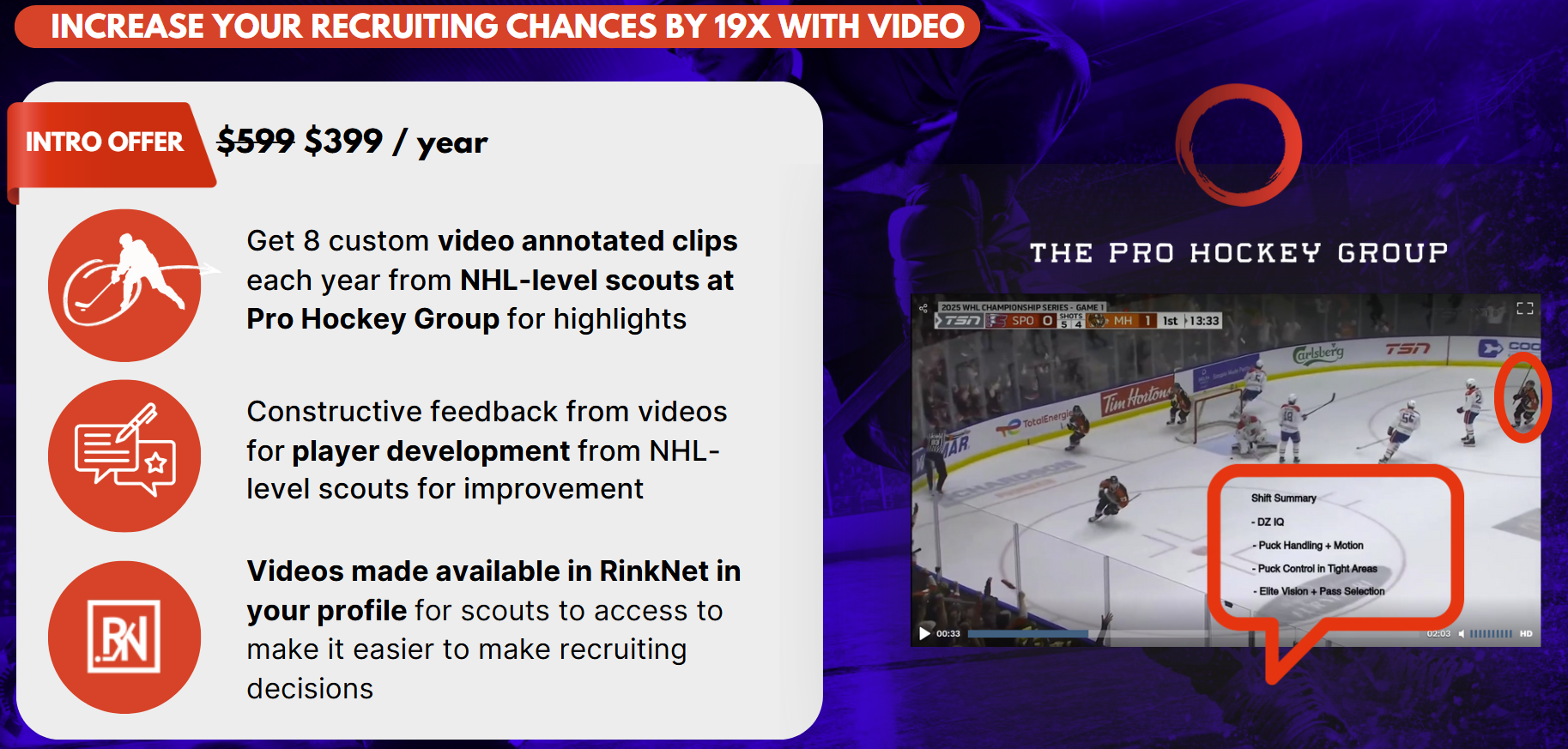

1RINK PRO WITH THE PRO HOCKEY GROUP
Sign-up to the waiting list for our exclusive 1Rink Pro launch offer to get access to NHL-level videos and feedback for player development and help you get scouted and lock-in our exclusive $399 / year offer.
GETTING STARTED WITH YOUR FREE 1RINK PROFILE
STEP 1. Download the app from App Store


Go to the Apple store or Google Play store depending on your device and search for 1Rink published by RinkNet Software.
Download the app and install it on your phone. If you do not have the app, you can use the generic web application from your browser at https://app.1rink.com
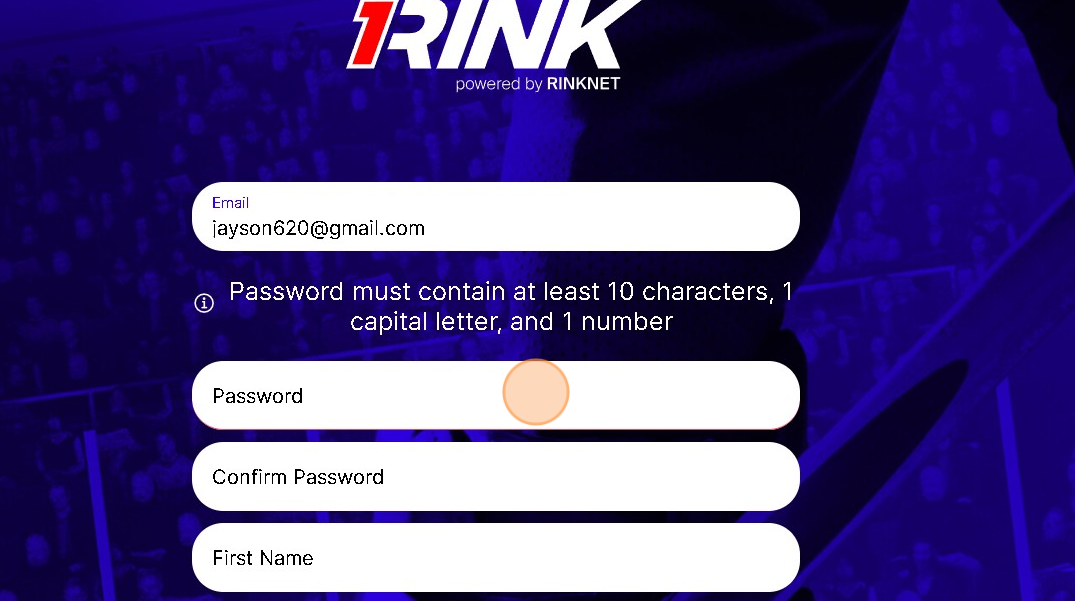
STEP 2. CREATE A 1Rink ACCOUNT
Once installed, follow the instructions below to create a 1Rink account to login to the app.
STEP 3. VERIFICATION AND LOGIN
Once you create an account, check your e-mail to click the link to verify your account.
Once logged in, you should see the dashboard screen.
The dashboard will contain a mix of content from various channels in the 1Rink app.
STEP 4. UPDATE YOUR PLAYER PROFILE FOR SCOUTS
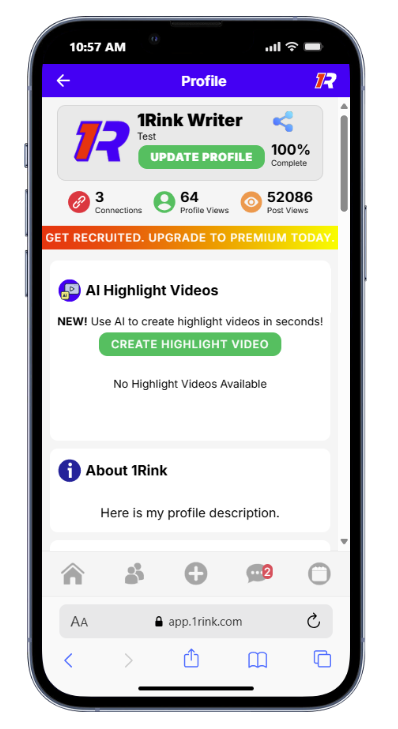
Keep your profile up to date, verify your team and stats, and post highlight videos in your profile. This ensures your profile is always up to date when scouts are searching for players in their RinkNet Scouting software.
Suggestions:
Update your profile description with your hockey goals
Verify your stats / teams
For more resources visit our support page at https://support.1rink.com