

INTRODUCING THE NEW EHL 1Rink APP


Starting with the 2025-2026 season, the EHL is partnering with RinkNet with a custom version of its 1Rink app to for all teams and players to use for free to help them get noticed and scouted in hockey’s largest scouting network used by 3500+ scouts daily.
What can you do with a 1Rink account?

GETTING STARTED with the 1RINK EHL SCOUTING APP
STEP 1. Download the app from App Store


Go to the Apple store or Google Play store depending on your device and search for EHL 1Rink published by RinkNet Software.
Here is the direct link for Apple devices: EHL 1Rink on the App Store
Here is the direct link for Google devices: EHL 1Rink - Apps on Google Play
Download the app and install it on your phone. If you do not have the app, you can use the generic web application from your browser at https://app.1rink.com
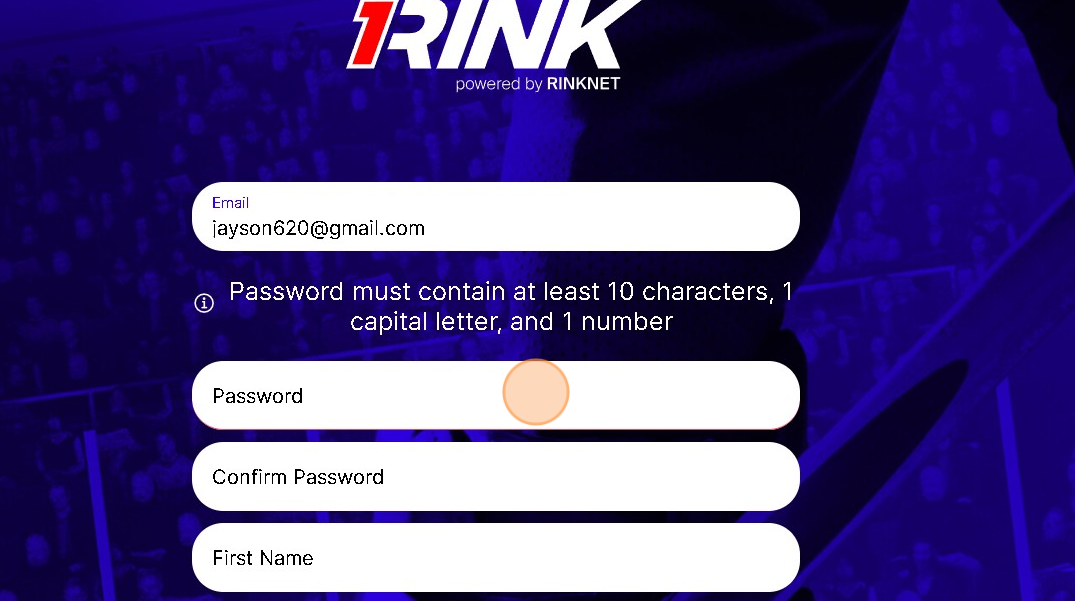
STEP 2. CREATE A 1Rink ACCOUNT
If you already registered a 1Rink account previously on the standard 1Rink app, you can skip this step.
Once installed, follow the instructions below to create a 1Rink account to login to the app.
STEP 3. VERIFICATION AND LOGIN
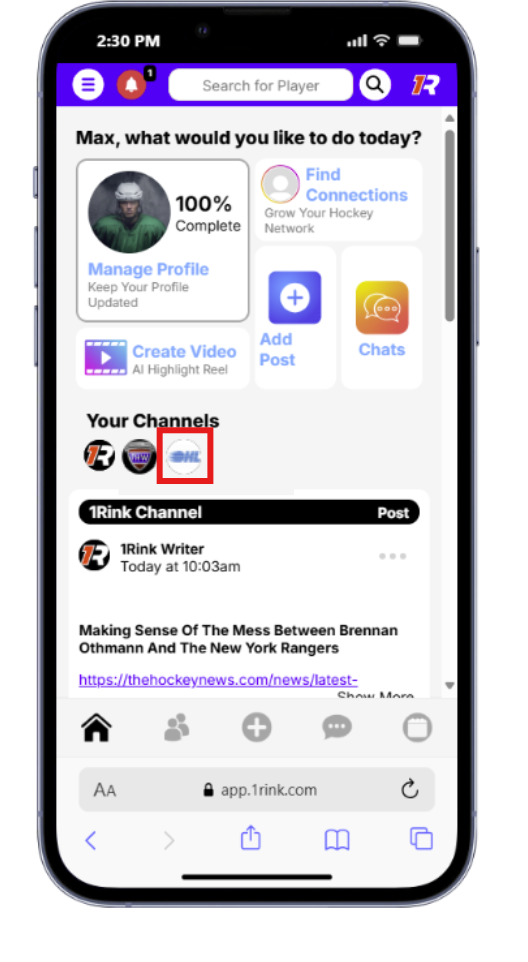
If you already registered a 1Rink account previously on the standard 1Rink app, you can skip this step. Once you create an account, check your e-mail to click the link to verify your account.
Once your account is verified, open the EHL 1Rink app on your phone and login. Once logged in, you should see the dashboard screen.
The dashboard will contain a mix of content from various channels in the 1Rink app and including EHL news.
STEP 4. UPDATE YOUR PLAYER PROFILE FOR SCOUTS
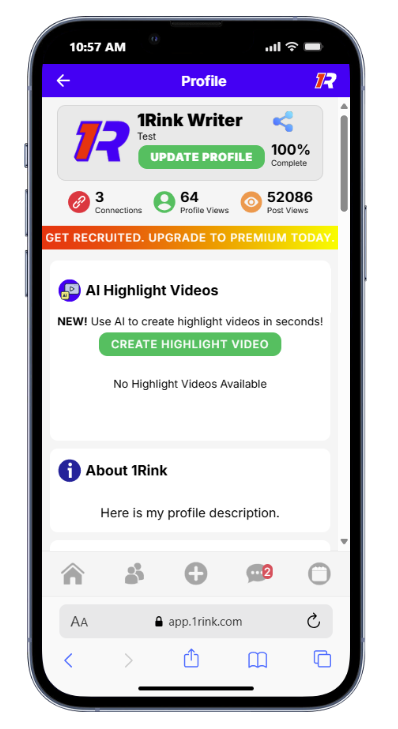
Keep your profile up to date, verify your team and stats, and post highlight videos in your profile. This ensures your profile is always up to date when scouts are searching for players in their RinkNet Scouting software.
Suggestions:
Update your profile description with your hockey goals
Verify your stats / teams
STEP 5. POST YOUR HIGHLIGHTS
If you are posting in relation to a game time change, please add a comment to the relevant post relating to your league and Game Date. Type in a comment and click the Send icon.
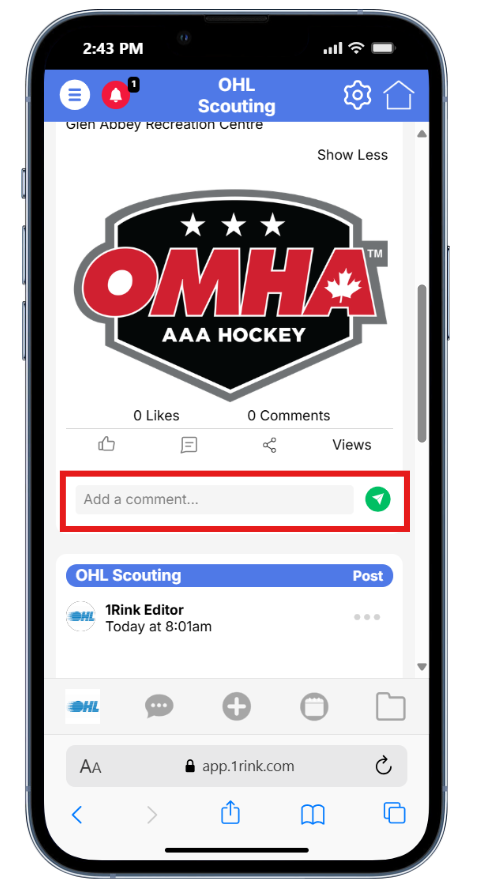
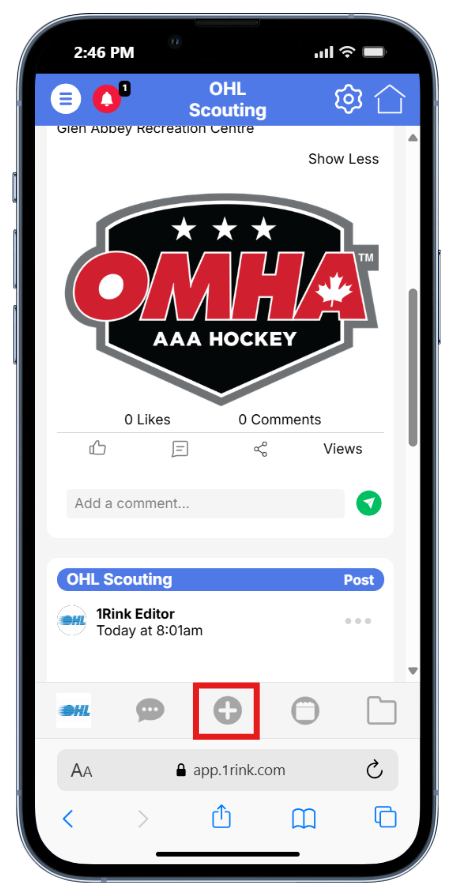
If you would like post a new game not listed, or share general information, you can add a post to the portal by clicking the + icon.
More info available here:

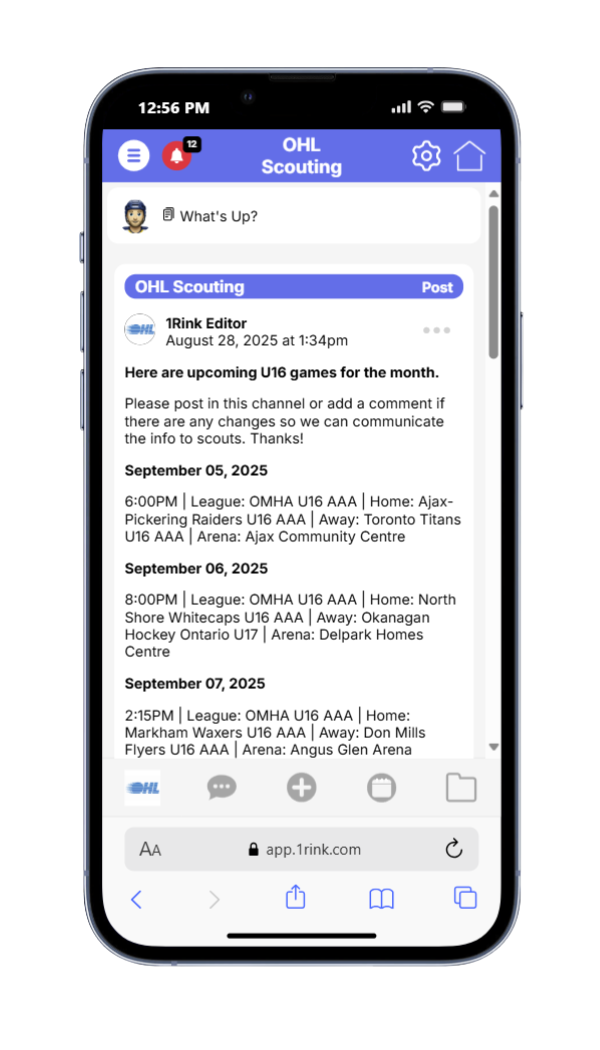
EHL TEAMS - REQUEST A FREE TEAM PORTAL
For EHL Teams - Please fill in your team information below to request a free private team portal for your team for team communications and auto-import your schedule.