

OHL SCouting APP - TEAM REGISTRATION PAGE


Starting with the 2025-2026 season, the OHL is partnering with RinkNet with a custom version of its 1Rink app to use as the platform for teams to communicate with the league. Teams must request access below to gain access to the OHL Scouting app and the OHL channel for communications including:
Schedules will be posted by RinkNet for upcoming games
Notify the OHL on any game changes or important into
IMPORTANT: For any support related to the app, please contact support@1rink.com
GETTING STARTED with the 1RINK OHL SCOUTING APP
STEP 1. Download the app from App Store


Go to the Apple store or Google Play store depending on your device and search for OHL Scouting published by RinkNet Software.
Here is the direct link for Apple devices: https://apps.apple.com/us/app/ohl-scouting/id6747205144
Here is the direct link for Google devices: https://play.google.com/store/apps/details?id=com.rinknet.onerinkohl&hl=en
Download the app and install it on your phone. If you do not have the app, you can use the generic web application from your browser at https://app.1rink.com
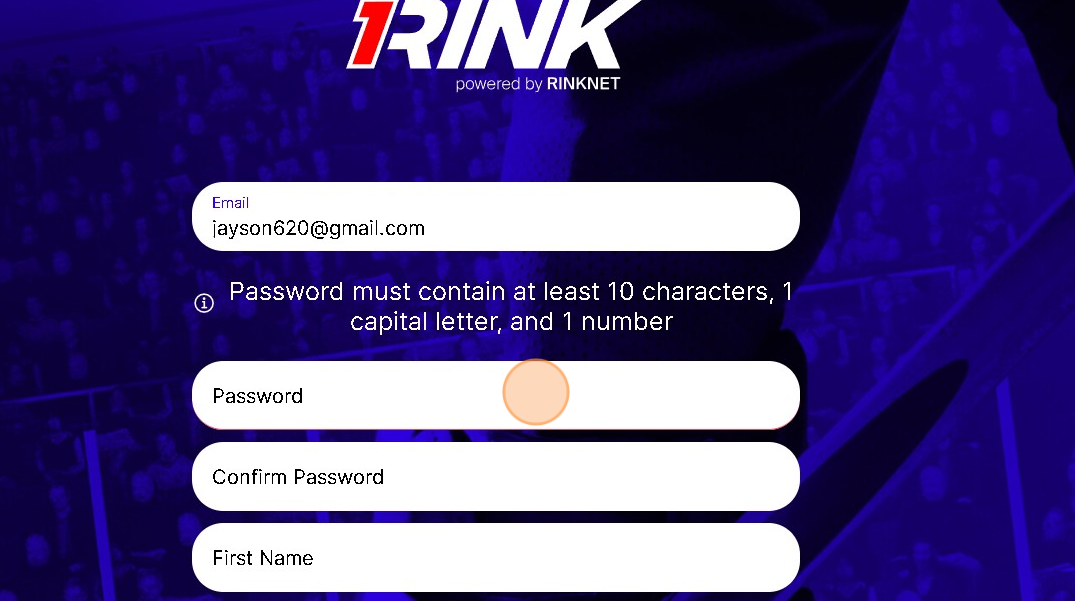
STEP 2. CREATE A 1Rink ACCOUNT
If you already registered a 1Rink account previously on the standard 1Rink app, you can skip this step.
Once installed, follow the instructions below to create a 1Rink account to login to the app.
STEP 3. VERIFICATION AND LOGIN
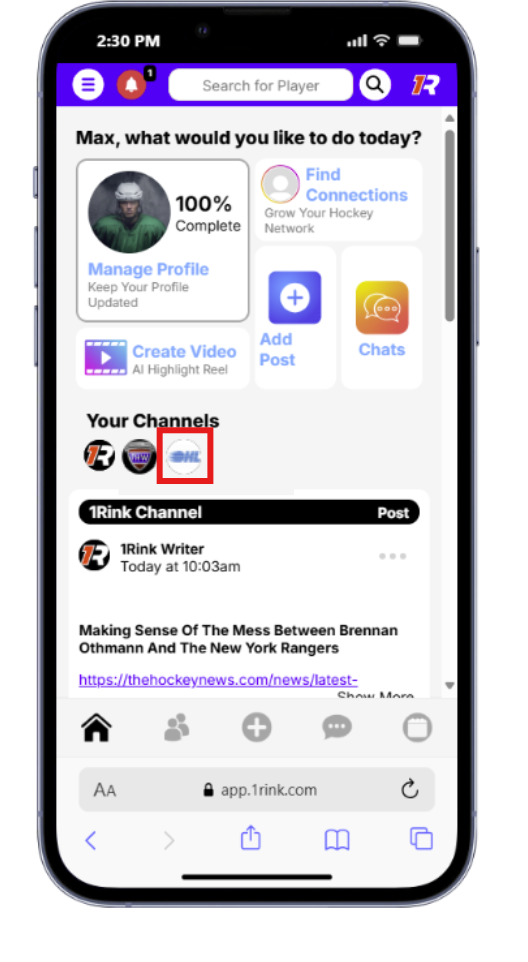
If you already registered a 1Rink account previously on the standard 1Rink app, you can skip this step. Once you create an account, check your e-mail to click the link to verify your account.
Once your account is verified, open the OHL Scouting app on your phone and login. Once logged in, you should see the dashboard screen.
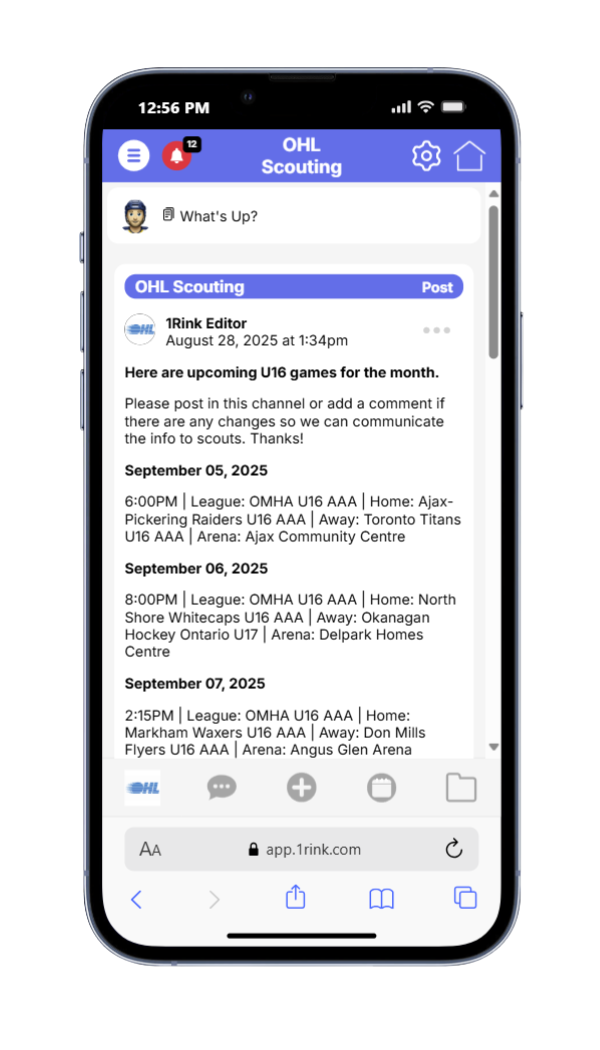
The dashboard will contain a mix of content from various channels in the 1Rink app, including OHL news. However, click on this icon OHL Scouting to view the OHL Scouting channel that you have been invited to view the daily schedules for U16 Ontario games, powered by RinkNet.
STEP 4. OHL SCOUTING CHANNEL

The OHL Scouting channel is a private, invite-only channel which requires registration below. It is accessible by OHL, Scouts as well as youth hockey leagues in OHL territory.
Every day at 8AM, there will be a posting for any U16 games being players with schedules for the day.
In addition, on Mondays, a weekly schedule will be posted.
Please use this channel to communicate to everyone any potential game changes, or games not listed.
RinkNet will also be taking feedback from this channel to update schedules with the latest info.
STEP 5. POSTING IN THE OHL SCOUTING CHANNEL FOR GAME UPDATES
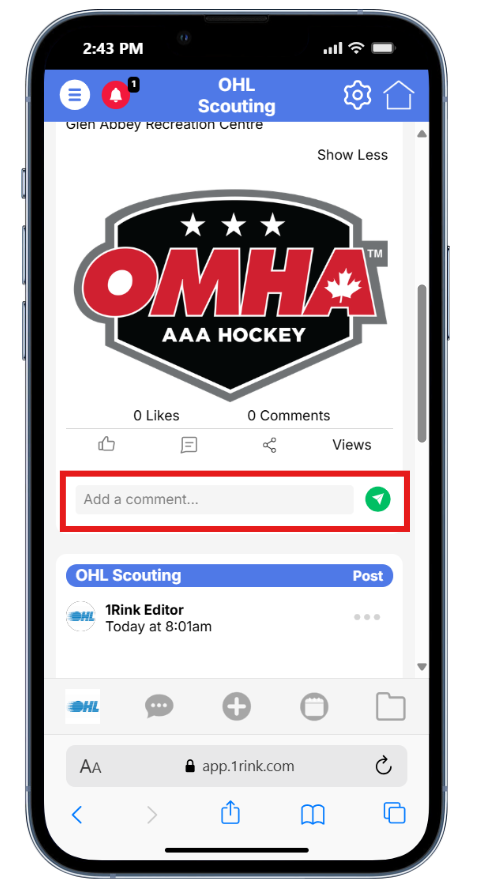
If you are posting in relation to a game time change, please add a comment to the relevant post relating to your league and Game Date. Type in a comment and click the Send icon.
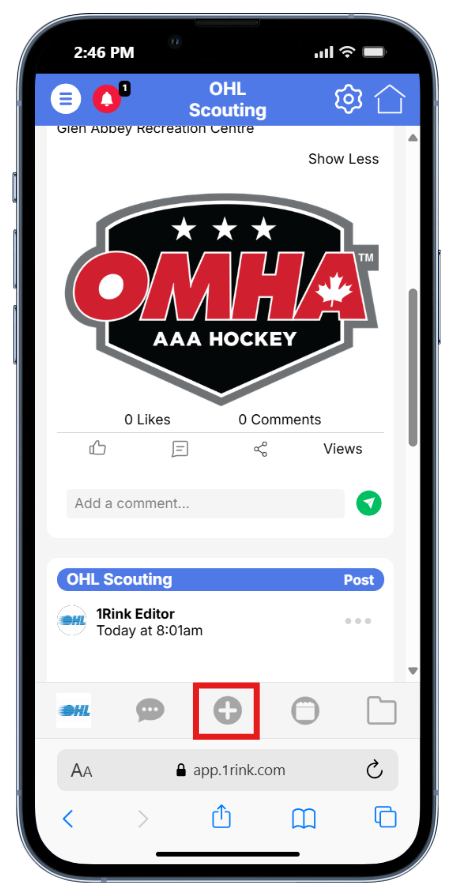
If you would like post a new game not listed, or share general information, you can add a post to the portal by clicking the + icon.
More info available here:

ACCESS TO THE OHL SCOUTING APP AND CHANNEL
Please fill in your team information below to request access to the OHL Scouting app.
Each user must request their own account below.